Available now · macOS 26+ · Apple Silicon

Local-first dictation in 10 languages. Cloud fallback when you need it.

The smart, cleaned-up output you'd expect from a cloud dictation tool — running on your Mac by default, with TypeFree Cloud for low-memory Macs or faster fallback. Hold Right-Option, speak, and polished text appears at your cursor.

Download for MacSee how it works
Apple menuMailFileEditView
EN11:42
Hold ⌥ to dictate
aaron@boweninfo.ca
PRO
38 / 100 cloud min this monthresets in 5d
Dictation
Trigger
Hold ⌥ to talk
Locale
English (US)
Output style
Professional
Translate to
English

Hold ⌘ together with your dictation hotkey to translate. Without ⌘, output stays in the source language.

Import
You said

uh can you send the updated onboarding recap and include the two follow up items for monday

TypeFree writes

Please send the updated onboarding recap and include the two follow-up items for Monday.

local · TypeFree On-Device · 1.36s · Copy text
History (213 of 213)
Expand
Please send the updated onboarding recap and include the two follow-up items for Monday.
58 secs. · on-device · en-US
So this is for Testing 1. See if you can catch what I said.
1 min, 23 secs. · on-device · en-US
Okay, so one question for you. I agree with you, production stable...
23 mins, 4 secs. · on-device · en-US
vocab 1,423/15kv0.9.4 (8f35925)
Built forNative macOS 26TypeFree On-Device ASRTypeFree On-Device cleanupBilingual auto-detect
Try it without installing

Hold the key. Watch what happens.

Press and hold ⌥ Option on your keyboard — or hold the on-screen key. Release when you're done speaking.

Ready
Hold the key to start
Raw transcript · on your Mac
idle
[ waiting for ⌥ Option ]
on-device transcription · audio stays on your Mac
New Message
Cleaned text appears here at your cursor.
auto-pasted into the focused app

Hotkey dictation

Hold Right-Option anywhere, speak naturally, and TypeFree pastes cleaned text back into the active app.

Audio Import

Import MP3, M4A, OGG, Opus, QTA, WAV, FLAC, AIFF, or CAF files into a queue, then transcribe, translate, copy, or re-run them.

Translate while dictating

Use Right-Cmd + Right-Opt or the Audio Import translate toggle to clean mixed-language audio into your chosen output language.

This is a guided simulation. The real app uses on-device dictation and cleanup by default; TypeFree Cloud, BYOK, and self-hosted routes are explicit choices. No microphone access is requested here.

How it works

From thought to clean text
in under two seconds.

One hotkey. Three things happen, all on your Mac.

STEP 01

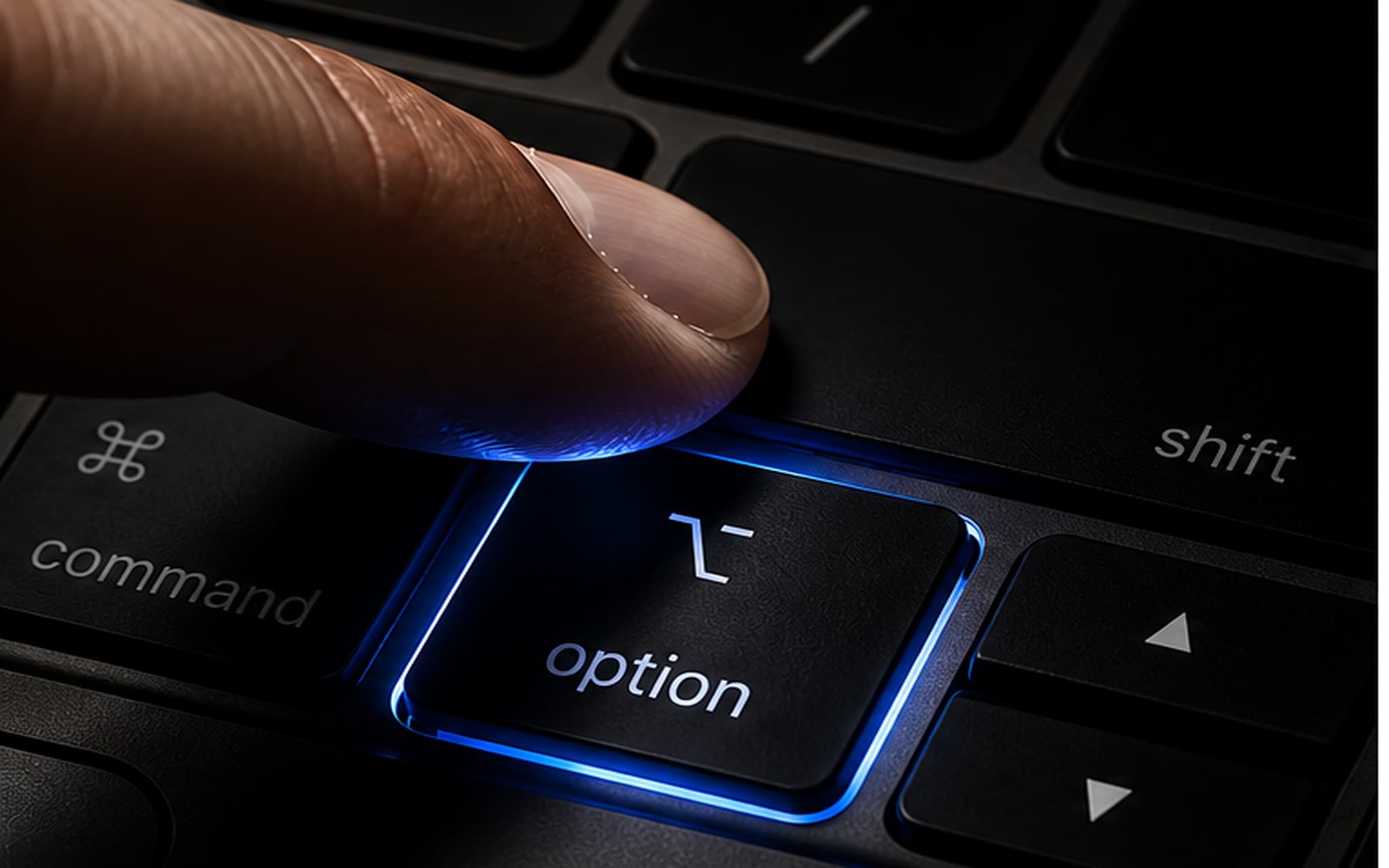
Hold Right-Option.

From any app, any text field. The app you're working in keeps focus — no popups, no window switching. Hold Right-Cmd + Right-Opt to dictate and translate in one pass.
Macro key close up
Raw audio → transcript · on your Mac
"uh so what i'm thinking is we should ship the auth flow first um then the dashboard"
STEP 02

Speak naturally.

Fillers, false starts, no punctuation — doesn't matter. Audio is transcribed on-device by default, or through TypeFree Cloud when you explicitly choose fallback.

STEP 03

Get clean text at your cursor.

Your cleanup model tightens fillers, adds punctuation, applies your style, and auto-pastes where you were typing. Cleaned on-device by your chosen model.

New Message
To:sarah@example.com
Subject:Re: Auth flow timeline
I think we should ship the auth flow first, then the dashboard.
It learns from you

The more you use it,
the more accurate it gets.

Every word you dictate goes into a personal vocabulary. After a word appears twice, it's promoted to validated — and TypeFree uses it to bias both the speech engine and the cleanup model toward your language.

Trial → validated.

Project names, jargon, brand spellings, your colleague's name — things generic dictation gets wrong on day one. TypeFree gets them right by week two, on its own, without you teaching it anything explicitly.

Validated words bias both the STT model (so they're heard correctly) and the cleanup pass (so they're spelled and capitalized consistently). The vocabulary that makes TypeFree yours never leaves your Mac — there's no glossary to upload and nothing to sync. Personalization and privacy aren't a trade-off here.

1,423words learned
15kPro cap
on-devicenever synced

Personal vocabulary

Auto-built from your dictations. Add jargon manually below to bias the recognizer toward it on the next press.

Clear all
Add a word or phrase...
Filter...
Bellarivia×33 mins, 36 secs.×
Shoppers Smart×214 hrs, 0 mins×
BowenInfo×214 hrs, 0 mins×
can×314 mins, 0 secs.×
not×2725 mins, 30 secs.×
actually×2214 hrs, 45 mins×
bug×2112 hrs, 7 mins×
think×2114 hrs, 38 mins×
vocab 1,423/15kv0.9.4 (8f35925)
What is included

On-device dictation in 10 languages.
Local by default. Cloud by choice.

Speech-to-text and cleanup run locally by default on every plan. TypeFree Cloud is included for low-memory Macs and faster fallback; BYOK and self-hosted routes are power-user choices.

TRANSCRIPTION

Runs on-device

10 languages with bilingual auto-detect, led by Chinese, French, and Spanish paired with English. Local mode needs no upload or API key; TypeFree Cloud is a visible fallback when you choose it.

runson your Mac
networknone by default
languages10
CLEANUP INCLUDED

Local LLM cleanup

Fillers removed, punctuation added, and your style applied by an LLM running locally. Six styles. Pro adds custom prompts and BYOK or self-hosted models.

runson-device
setupnone
retentionnothing to retain
PERSONAL

Vocabulary that learns

Names, jargon, and acronyms get promoted automatically the second time you use them. Stored locally, never synced.

storagelocal only
syncnever
promotion2nd use

Built for Apple Silicon.

Runs on any Apple Silicon Mac with macOS 26+. 16 GB+ is recommended for the full local path, 24 GB+ is best for larger local models, and 8 GB Macs can lean on TypeFree Cloud fallback.

any Apple Silicon · local-first AI

Optional means optional.

TypeFree Cloud, BYOK, and self-hosted providers are explicit choices. They are there for people who deliberately choose when a larger or remote model runs.

visible settings · explicit opt-in
Internal ASR bake-off

Not just wrapped.
Chosen on TypeFree fixtures.

TypeFree Speech is our VibeVoice-based local ASR path, ported into the Mac app and evaluated on the same eight messy bilingual dictation fixtures against Whisper-family, Qwen ASR, and SenseVoice baselines. The table shows internal fixture results; lower WER is better.

15.0%
TypeFree Speech route

Mean F1 0.914 · avg 27.48s in the research harness.

19.8%
Whisper-family baseline

Mean F1 0.871 · avg 4.37s on the same eight fixtures.

29.5%
Qwen ASR baseline

Mean F1 0.745 · avg 0.76s; short clips were stronger than long mixed dictation.

29.5%
SenseVoice baseline

Mean F1 0.805 · avg 1.03s; fast, but lower aggregate accuracy on target fixtures.

ASR: local wins here

On this internal suite, TypeFree Speech had the best aggregate WER/F1. It is not a universal public leaderboard claim.

Cleanup: Cloud for max quality

For cleanup quality, TypeFree Cloud uses our GPT-class cleanup stack; the on-device fallback is selected from the Gemma family after local testing.

Candidates tested, not guessed

We tested Gemma- and Qwen-family local candidates plus smaller options, then shipped the path that held tone, multilingual fidelity, and drift resistance best.

Internal TypeFree fixture suite, generated June 14, 2026 with Chinese/English token WER. Baseline names identify comparison families, not a full TypeFree architecture disclosure.

New for Pro

Turn audio files into
clean text.

Open the dedicated Audio Import window from the popover, File > Open Audio File, Cmd-O, or macOS Services. Queue recordings, choose source/output/translation, then transcribe and edit raw or cleaned text.

Audio Import
Source
English (US)
Output
Professional
Translate
English
Voice Memo 2026-06-02.m4a
~/Library/Group Containers/.../Recordings
Done
client-recap.ogg
~/Desktop/Audio
Running
sales-notes.opus
~/Downloads
Queued
Voice Memo 2026-06-02.m4a
~/Library/Group Containers/.../Recordings
on-device · TypeFree On-Device
Please send the revised onboarding recap and include the two follow-up items for Monday.
Raw transcript

please send the revised onboarding recap and include the two follow up items for monday

Drop files or pick from Finder
MP3 · M4A · OGG · Opus · QTA · WAV · FLAC · AIFF · CAF

A real import queue.

Add multiple files, cancel queued items, clear finished runs, and re-run a single recording without disturbing live dictation.

Same cleanup controls.

Audio imports use the same Source, Output style, and Translate options as hotkey dictation, so file cleanup matches your daily writing defaults.

Voice Memos-friendly handoff.

The app accepts file URLs and promised files from Finder, Share, Services, and drag-and-drop paths that macOS exposes.

TypeFree should feel like macOS grew a feature.
Hold a key. Speak. Move on.
Free account. No card required. No surprises.

Every detail, in your hands

Made for people who like
their tools tuned right.

Daily dictation controls stay in the popover. Set-once choices, microphone standby, app language, About, and Pro cleanup prompts now live in the Liquid Glass Preferences window.

Typefree Preferences
App
LanguageFollow system language

Takes effect on next launch.

Microphone
StandbySmart (30 s, default)

Smart standby keeps the mic off when idle. Longer windows hold it ready.

Custom cleanup prompts
PROFive classic templates, editable any time
Polished email
Editable cleanup prompt
Meeting notes
Editable cleanup prompt
Code review
Editable cleanup prompt
Executive summary
Editable cleanup prompt
Quick reply
Editable cleanup prompt

Selected in the Output style picker. Up to 5 saved.

About
Versionv0.9.4 (8f35925)
Custom cleanup prompts

Selected in the Output style picker. Up to 5 saved.

Cleanup style
PRO
Professional
Polished email
Meeting notes
Code review
Executive summary
Quick reply

Popover for the session

Trigger, 10-language locale, output style, and translate target stay visible because people change those while dictating.

Preferences for the defaults

App language, mic standby, version info, and Pro prompt management moved out of the daily-use surface.

Pro starts with useful prompts

Instead of an empty template list, Pro users get five editable classics: email, meeting notes, code review, executive summary, and quick reply.

Honest comparison

The intelligence of a cloud dictation tool. The privacy of a dictation path that never connects.

TypeFreeApple DictationCloud LLM tools (e.g. Wispr)
Voice never leaves your device (default)mostly
LLM cleanup — punctuation, style, fillers removed
Works with no network at allpartial
Audio Import for recorded files
10 source languages + bilingual auto-detectpartialpartial
Translate while dictating
Personal vocabulary that learnspartial
Custom cleanup prompts
Native macOS menu-bar app
Privacy

Your voice never leaves your Mac.

Most dictation tools that clean up your speech do it by shipping your audio to a server. TypeFree doesn't. Transcription and cleanup both run on your device, on Apple Silicon. There is no upload to intercept, no server log to subpoena, no retention policy to trust — because nothing is ever sent.

TypeFree closed-loop on-device dictation flow with optional model routeMicrophone → ASR → cleanup → cursorMicrophoneaudioOn-device ASRraw transcriptlocal by defaultOn-device cleanupclean textlocal by defaultYour cursorOptional: TypeFree Cloud / BYOK / self-hostedopt-in only

On-device by default

Normal dictation makes zero network calls. Speech-to-text and LLM cleanup execute locally.

Your model, your choice

Prefer a larger model? Bring your own key or point TypeFree at a self-hosted LLM. That's an explicit choice you make — never the default, never silent.

Your vocabulary stays local

The words TypeFree learns live on your Mac and never sync.

Your history stays local

Full dictation history stays on your machine, not in our cloud.

Built for privileged work

Designed for people who can't paste privileged audio into someone else's server: legal, clinical, financial, journalism, security, and anyone under NDA.

Wall of Love

What our users say.

"Privacy is my top priority as a business owner. I like that normal dictation stays on my Mac, while advanced model routing is something I choose instead of something hidden."

Ryan · Business Owner

"As someone who works with AI daily, I appreciate the technical depth here. The personal vocabulary picks up our internal model names after I say them twice — no glossary upload, no settings panel. It's not just a recorder; it's an AI workflow tool."

James · Director, DeftGPT

"I used to struggle with Typeless because the cleanup was too rigid. This tool is a breath of fresh air. The ability to use an LLM as a 'Cleaner' means my raw dictation gets formatted into perfect bullet points automatically. It saves me hours of editing every week."

Livia · Executive Director

"We handle high-volume communications daily. Long dictation sessions, multiple languages, and the cleanup never wobbles. It's reliable enough for enterprise-level use."

Rajesh · Director, AADIJAGANNATH Group

"Speed is everything in sales. I switched to TypeFree because hold-to-talk is just faster than any toggle UI, and the cleaned output is sharper than what I get from Apple Dictation. It's faster and smarter."

Ethan · Sales Rep, GB Group

"I dictate ideas constantly, and they are usually messy. The 'Output style: Bulletlist' feature is brilliant for organizing my chaotic thoughts into actionable items immediately. I love it more than Typeless because it actually organizes the chaos for me."

Bryan · Director, Jumbo Toys

"The 'Translate to English' feature combined with the LLM cleaner is perfect for us. We often mix languages when brainstorming, and this tool handles the translation and cleanup seamlessly. It's much more flexible than Typeless."

Mono & JC · Entrepreneurs, India

"I built this tool because I needed dictation that didn't get in my way. Hold a key, talk, get clean text. No toggles, no model picker, no API keys to manage. I use it every single day for my own workflows — and it adapts to me, not the other way around."

Aaron · founder · Built for people who want local by default and cloud only by choice.
Common questions

Frequently asked.

Not by default. Transcription and cleanup run on your Mac unless you explicitly choose TypeFree Cloud, BYOK, or a self-hosted route. Cloud mode is visible in the app and uses your included cloud minutes or your chosen provider key.